A private shelf for your videos:share by link or trade
Everything you upload stays private. Send a link that expires, works for one person or asks for a password, or trade a video for one of theirs. No ads, and no account needed to watch.
From upload to trade
Put it on the shelf
Upload a video and it stands on your shelf, private. A visitor gets its cover and sixteen frames, not the video itself.
Hand out a link
Send a link to a video for an hour or a week, or share your whole shelf, set up the way you like. Nobody needs an account to watch.
Or trade
Someone wants one of your private videos? Share it, say no, or ask for one of theirs in return. When you both agree, the videos swap at once.
Why tapeshelf
Private by default
Every upload starts private, and visitors only see a cover and sixteen frames.
No feed, no ads, no algorithm
Nothing is recommended to anyone, and shelves stay out of Google.
Encrypted streaming
The video stream is encrypted, and the player never gets a link to the file.
A video editor
Crop, cut, blur, timers, captions and sound, right on your shelf. On Pro.
Open source
The code is open under the AGPL, and you can run tapeshelf on your own server.
Yours to keep
Sort your videos your way, trade them with friends, and keep what you receive: nobody can take it back.
A link for every occasion
- Temporary link, an hour to a week
- Temporary link for just one person
- Temporary link with a password
- Exchange link that opens a trade
- Anonymous link to your whole shelf
- Public link to a video
- Invitation link for a friend
Download videos from any site
Our free browser extension saves videos from any site as one file that plays.
A real shelf, live, exactly as a visitor sees it: private videos show only a cover and a preview.
Open this shelfTry the demoLatest news
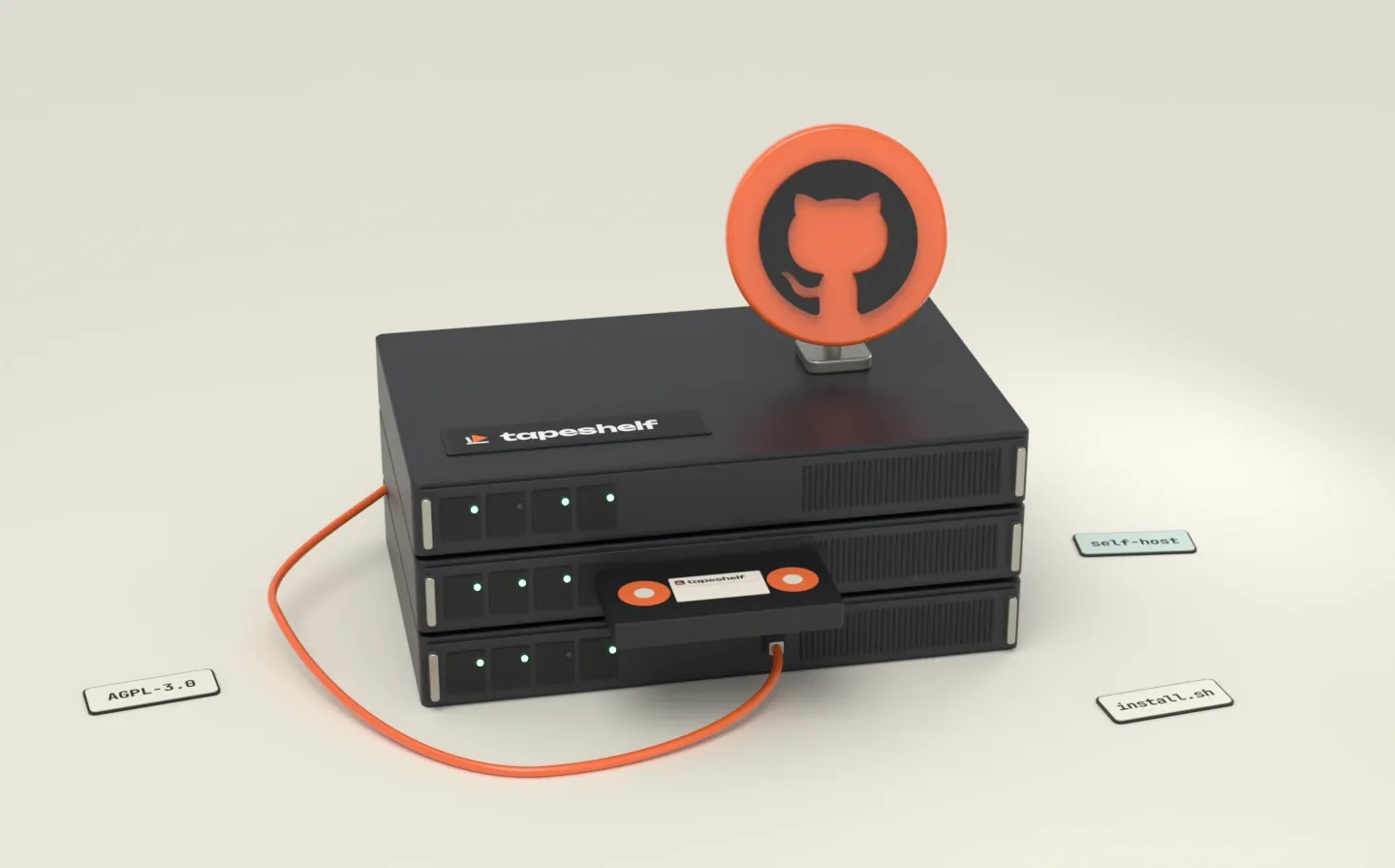
Release ·
You can now run tapeshelf on your own server
tapeshelf is open source and ready to self-host: one command sets it up on your server or computer, with no plans, no payments and no limits unless you set them.
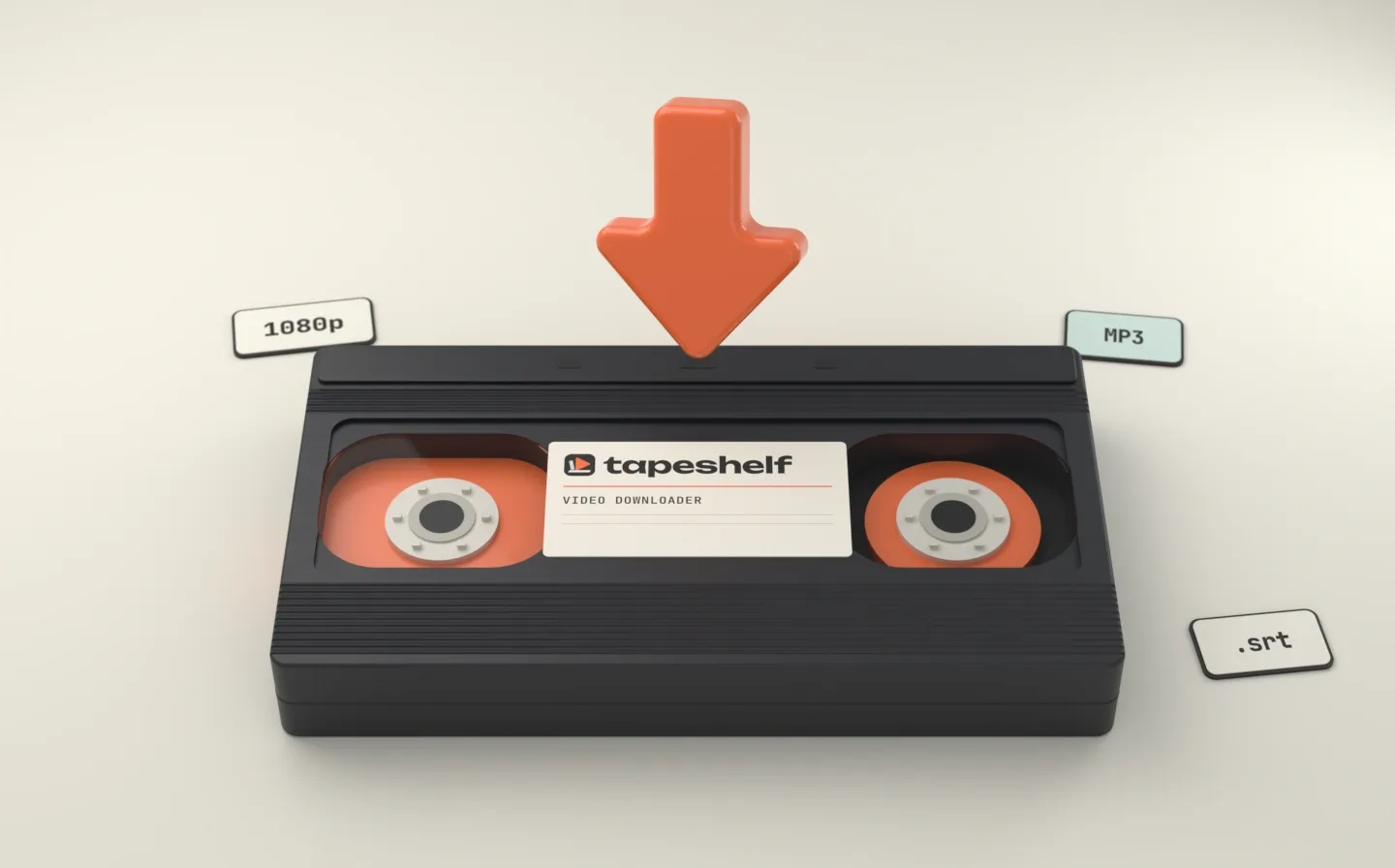
Release ·
tapeshelf Video Downloader: a free extension that saves video from any site
A browser extension that downloads videos from any site as one MP4 with sound: streams, 4K, MP3, subtitles and live streams, free and without limits. For Chrome, Edge, Firefox and others.
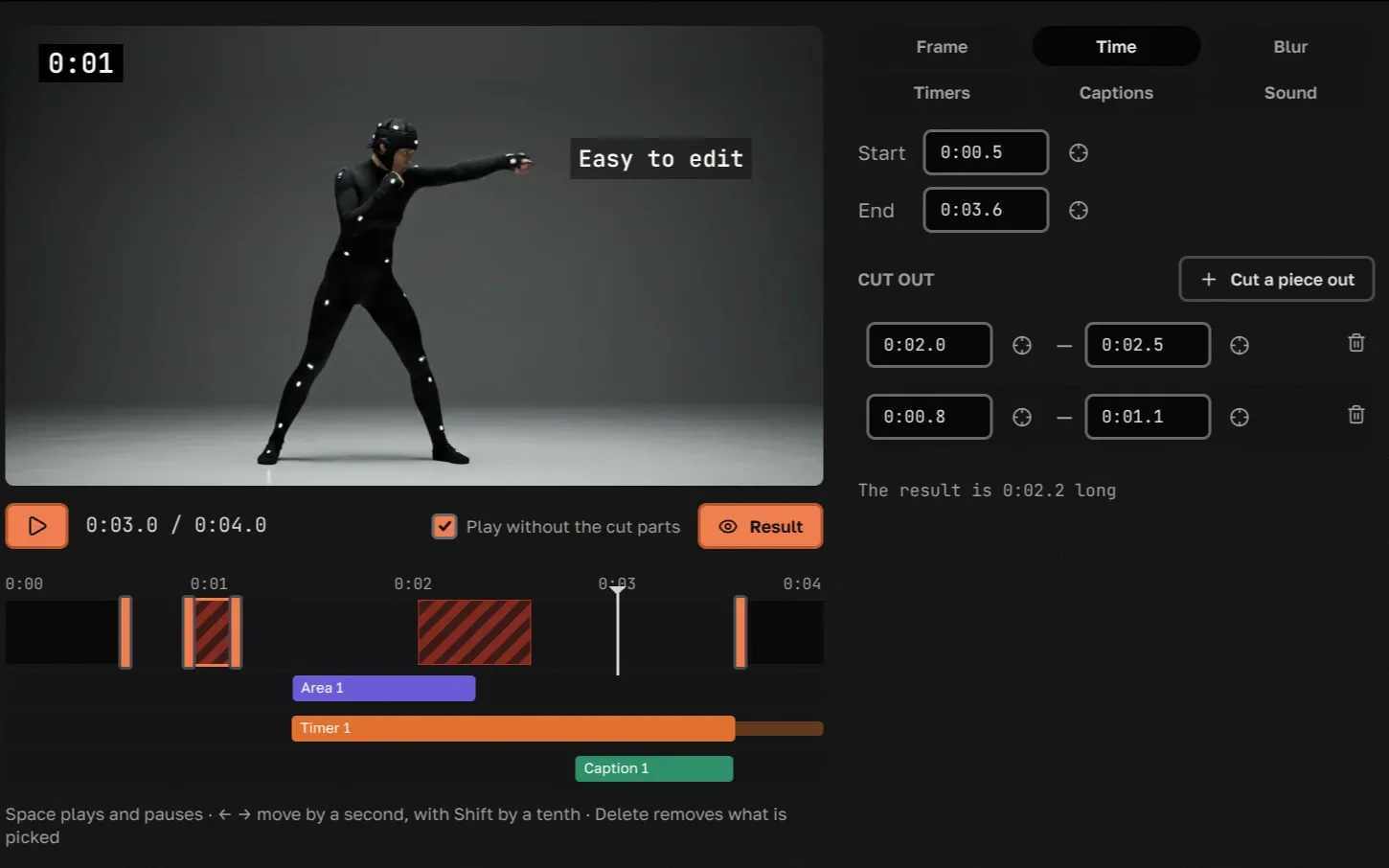
Release ·
A video editor in Pro: crop, cut, blur, timers and captions
A vertical video from a wide one, cuts, a blurred licence plate, timers and captions, right on your shelf with nothing to install. Every tool can be tried on this page.
Common questions
What is tapeshelf?
A shelf for your videos and a way to share them on your terms: publicly by link, through a temporary link, on request, or by trading one video for another, with people who have an account and with people who don't. There's no feed and no algorithm. People find your shelf because you gave them the link.
Is it free?
Yes. The free plan has no ads, only limits on file size, shelf size and downloads. Pro, from €5 a month, raises or removes those limits, keeps deleted videos longer and adds the video editor, a hidden page, passwords on temporary links and anonymous links to your shelf. Compare Free and Pro.
Who can see my videos?
A private video plays for you, for the people you shared or traded it with and anyone they passed it on to, and for anyone you sent a temporary link to while it works. Everyone else sees its cover and 16-frame preview. A public video plays for anyone with the link. Hide a video from visitors and only you see it on your shelf.
Can people download my videos?
Yes, if they're signed in and may watch them: everyone who has the video on their shelf and, for a public video, anyone signed in. Without an account, people can download only through a temporary link you sent, or what they got from you in a trade as a guest, for a week. The free plan allows 10 downloads a month, one at a time, at up to 1 MB/s and after a short wait page; your own uploads and downloads through a temporary link don't count. Pro has no limits. Playback itself is streamed in encrypted pieces, and the player never gets a link to the file.
How does a request work?
Press “Request this video” under a private video and add a note if you like; you can also offer some of your videos in return right away. The owner can share it for free, accept your offer, ask for something else or decline, and you get a notification as soon as they answer. Without an account you'll see “Offer an exchange” instead, if the owner takes trades from guests: there you upload a video of your own to trade.
Can I take back a video I shared or traded?
No. A copy on someone's shelf is theirs to keep, like a tape you handed over. If you're the author, you can delete the video itself, and then it disappears from every shelf, theirs included, though a file they already downloaded stays with them. You can revoke a temporary link at any time; videos people already added from it to their shelves stay.
Your shelf is waiting.
Signing up is free, and there's no card to enter. Upload a few videos and send the link to whoever should see them.